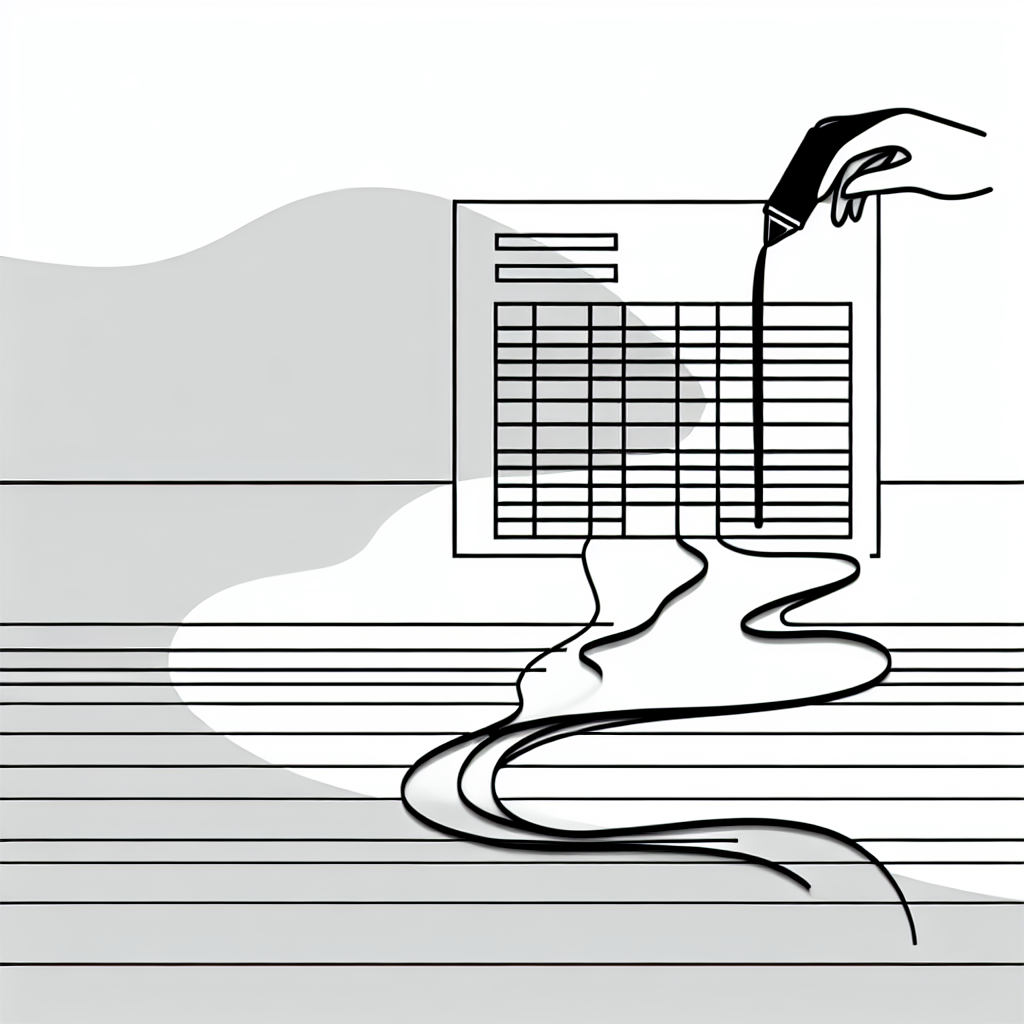
Creating Effective Spreadsheet Checklists
Enhance your productivity with comprehensive checklists.
In the realm of productivity, checklists serve as indispensable tools that help individuals and teams stay organized, prioritize tasks, and enhance overall efficiency. Creating effective spreadsheet checklists can significantly streamline workflows, making it easier to track progress and ensure that no important steps are overlooked. This guide explores the essential components and best practices for developing comprehensive checklists within spreadsheets, focusing on how to utilize various features to maximize their effectiveness.
Checklists not only aid in task management but also foster accountability and clarity among team members. By visually organizing tasks within a spreadsheet, users can maintain focus and systematically approach their workloads.
Understanding the Basics of Spreadsheet Checklists
To create an effective checklist in a spreadsheet, it is crucial to start with a clear understanding of its structure and purpose. A well-designed checklist typically includes several key elements: task descriptions, status indicators, deadlines, and responsible parties. Engaging with these components from the onset will provide a solid foundation for your checklist.
Task descriptions serve as the backbone of your checklist, providing clear and concise details about what needs to be accomplished. It’s essential to use straightforward language that everyone on the team can understand. In addition to descriptions, incorporating status indicators such as checkboxes can help visualize progress. Many spreadsheet applications offer built-in checkbox features that allow users to easily mark tasks as complete.

“A well-organized checklist not only simplifies task management but also enhances collaboration and communication among team members.”
When designing your checklist, consider the use of conditional formatting to highlight tasks based on their status. For example, you might choose to format completed tasks in green and overdue tasks in red. This visual cue helps users quickly identify what requires their attention, fostering a proactive mindset towards task completion.
Organizing and Prioritizing Tasks
Once the basic framework of your checklist is established, the next step is to organize and prioritize tasks effectively. This involves categorizing tasks into relevant sections or groups, which can aid in clarity and focus. For instance, you might have separate sections for daily, weekly, and monthly tasks, allowing users to quickly navigate to what is most pertinent.
Prioritization is equally important in a checklist. Assigning priority levels to tasks can help teams focus on the most critical items first. You could incorporate a simple rating system, such as high, medium, and low priority, directly into your spreadsheet. This practice ensures that the most pressing tasks are addressed in a timely manner, preventing bottlenecks in workflow.
In addition to prioritization, including due dates can enhance accountability. Clearly defined deadlines create a sense of urgency and encourage team members to complete their tasks on time. Using date functions available in most spreadsheet software can automate reminders and alerts, thereby keeping everyone on track.

Incorporating Automation and Collaboration Features
One of the most powerful aspects of using spreadsheets for checklists is the ability to automate certain processes and enhance collaboration among team members. Automation can save time and reduce the likelihood of human error. For example, you can set up formulas that automatically calculate task completion percentages or trigger notifications based on deadlines.
Collaboration features in spreadsheet applications allow multiple users to work on a checklist simultaneously. This capability is particularly valuable for teams, as it fosters real-time updates and communication. When team members can see changes as they occur, it enhances transparency and encourages collective accountability.
Moreover, many spreadsheet programs offer commenting functionalities, enabling users to leave notes or ask questions directly within the document. This feature is beneficial for clarifying task details or discussing progress without needing to switch to a different communication platform.
“Utilizing spreadsheet automation and collaboration features can transform a simple checklist into a dynamic project management tool.”
Reviewing and Updating Your Checklist Regularly
Creating an effective checklist is not a one-time task; it requires ongoing review and updates to maintain its relevance and efficiency. Regularly assessing the checklist allows you to identify which tasks are consistently completed and which may need to be adjusted or removed. This process helps ensure that the checklist remains aligned with current goals and priorities.
In addition to routine reviews, incorporating feedback from team members can provide valuable insights into how the checklist can be improved. Engaging users in discussions about the checklist promotes a sense of ownership and can lead to enhancements that benefit the entire team.
Furthermore, it is essential to remain flexible and adapt the checklist as necessary. As projects evolve, new tasks may arise, or existing ones may become obsolete. Being willing to modify the checklist accordingly will help maintain its effectiveness over time.