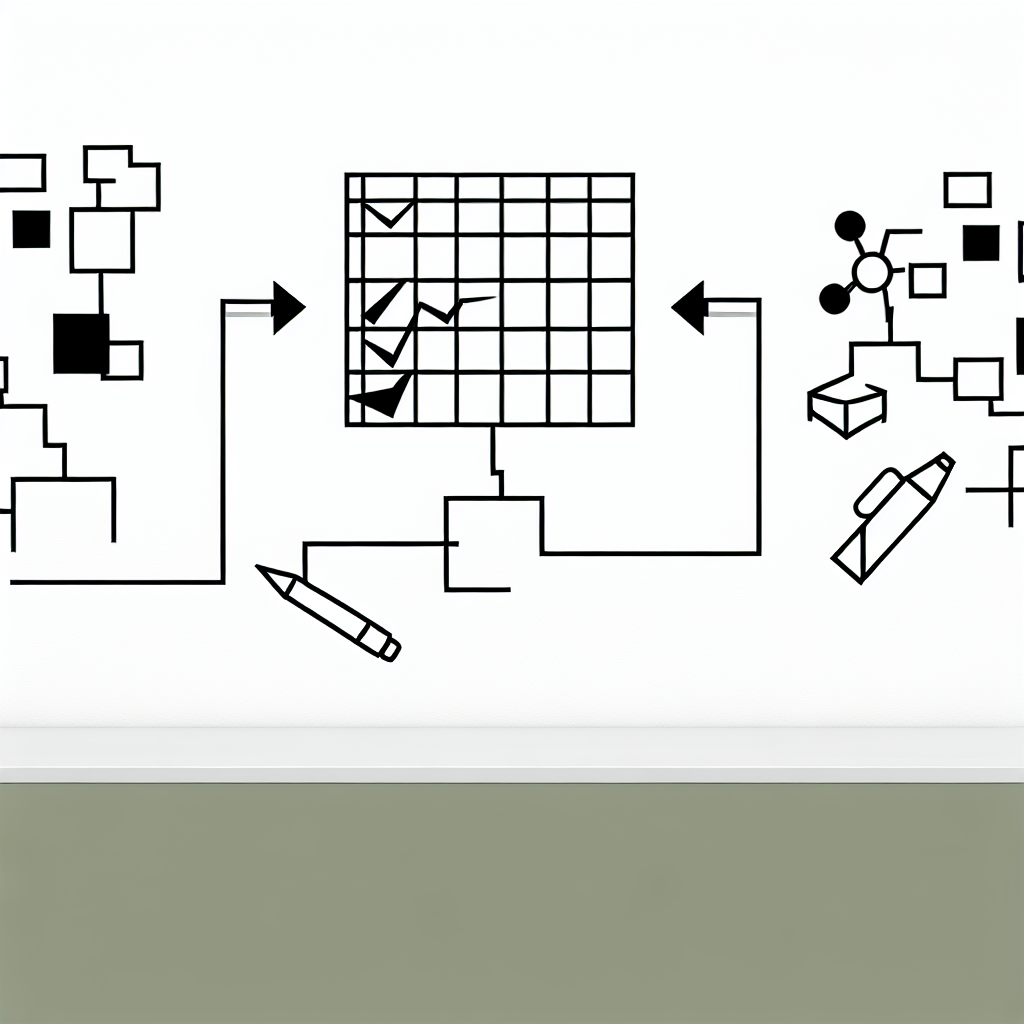
Innovative Features in Spreadsheet Collaboration Tools
Explore advancements that enhance teamwork.
In the evolving landscape of work, collaboration has become a focal point for enhancing productivity, especially when it comes to spreadsheet tools. As teams increasingly rely on these tools for data management and analysis, innovative features are emerging that not only facilitate better teamwork but also streamline processes. The advancements in spreadsheet collaboration tools are designed to improve communication, foster real-time engagement, and significantly enhance overall team efficiency. This article delves into some of the most exciting features that are reshaping how teams work together within spreadsheets.
These features are not just enhancements; they represent a shift in the way teams interact with data.
Real-Time Collaboration
One of the most significant advancements in spreadsheet collaboration tools is the introduction of real-time editing capabilities. This feature allows multiple users to work on the same spreadsheet simultaneously, seeing each other’s changes as they happen. The ability to edit in real-time eliminates the need for constant back-and-forth emailing of files, which can lead to confusion and version control issues.
Real-time collaboration enables teams to engage in dynamic problem-solving, fostering a more interactive and responsive workflow.
This functionality is particularly valuable for teams that operate in different locations, as it bridges the gap between physical distances. Users can comment on specific cells or sections, providing immediate feedback and facilitating discussions without leaving the spreadsheet interface. This integration of communication directly within the workspace enhances clarity and reduces the likelihood of misunderstandings.

Moreover, the ability to track changes in real-time allows teams to maintain a clear record of edits, making it easier to revert to previous versions if necessary. This transparency not only builds trust among team members but also enhances accountability, as everyone can see who made what changes and when.
Enhanced Communication Features
Beyond real-time editing, modern spreadsheet tools are incorporating enhanced communication features that take teamwork to the next level. These include integrated chat functions or messaging boards that allow team members to discuss changes or brainstorm directly within the spreadsheet. Such features streamline communication, minimizing the need to switch between applications, which can disrupt focus and productivity.
Additionally, the use of @mentions within comments has gained traction. By tagging teammates, users can draw attention to specific issues or questions, ensuring that the right people are notified and can respond promptly. This targeted communication approach is particularly effective in larger teams where important messages might otherwise get lost in the shuffle.
The incorporation of video conferencing tools into spreadsheet applications is another emerging trend. This allows teams to initiate video calls directly from the spreadsheet, turning discussions about data into interactive meetings without requiring external software. Such seamless integration fosters a collaborative environment where teams can make decisions faster, supported by visual data presentations.
Version Control and Audit Trails
With the increasing complexity of collaborative projects, version control has become an essential feature in spreadsheet tools. Advanced version control systems provide a comprehensive audit trail of changes made to the document, enabling teams to review the history of edits. This capability is crucial for tracking progress and understanding the evolution of the data.
Version control helps prevent errors and ensures that the most accurate information is always accessible to team members.
In addition to tracking changes, these systems often allow users to compare different versions of the spreadsheet, making it easier to identify what was altered and why. This not only helps in maintaining data integrity but also supports teams in adhering to compliance regulations, as they can demonstrate the evolution of their data management practices.
Moreover, some tools now offer the ability to lock specific cells or ranges, preventing unauthorized changes while still allowing others to collaborate freely. This level of control ensures that critical data remains intact while promoting an open collaborative environment.
AI-Powered Insights
As artificial intelligence continues to infiltrate various aspects of technology, spreadsheet tools are also leveraging AI to enhance teamwork. AI-powered features can analyze data patterns and offer suggestions based on previous entries, which can significantly speed up the decision-making process.

For instance, predictive analytics can forecast trends based on historical data, enabling teams to make informed decisions quickly. These insights can be displayed directly within the spreadsheet, allowing users to visualize potential outcomes without needing to switch tools or perform complex calculations manually.
Additionally, AI can assist in data cleaning processes by identifying errors or inconsistencies, further enhancing the quality of the collaborative efforts. By automating these repetitive tasks, teams can focus on more strategic aspects of their projects, ultimately increasing efficiency.
Conclusion
The landscape of spreadsheet collaboration tools is rapidly evolving with innovative features designed to enhance teamwork and streamline communication. From real-time editing capabilities to integrated AI insights, these advancements are transforming how teams interact with data and each other. As organizations continue to embrace these tools, they stand to benefit from improved efficiency, accountability, and ultimately, better decision-making.
Collaboration in spreadsheets is no longer just about sharing files; it has become an integrated experience that fosters engagement and productivity.