Understanding Spreadsheet Security Features
Keep your data safe with these essential security measures.
In an increasingly digital world, the importance of safeguarding sensitive information cannot be overstated. With spreadsheets being a common tool for data management, understanding the security features available in spreadsheet software is essential for both individual users and organizations alike. This article delves into the various security measures that can be employed to protect data integrity and confidentiality, offering insights into best practices for enhancing spreadsheet security.
Password Protection and Access Control
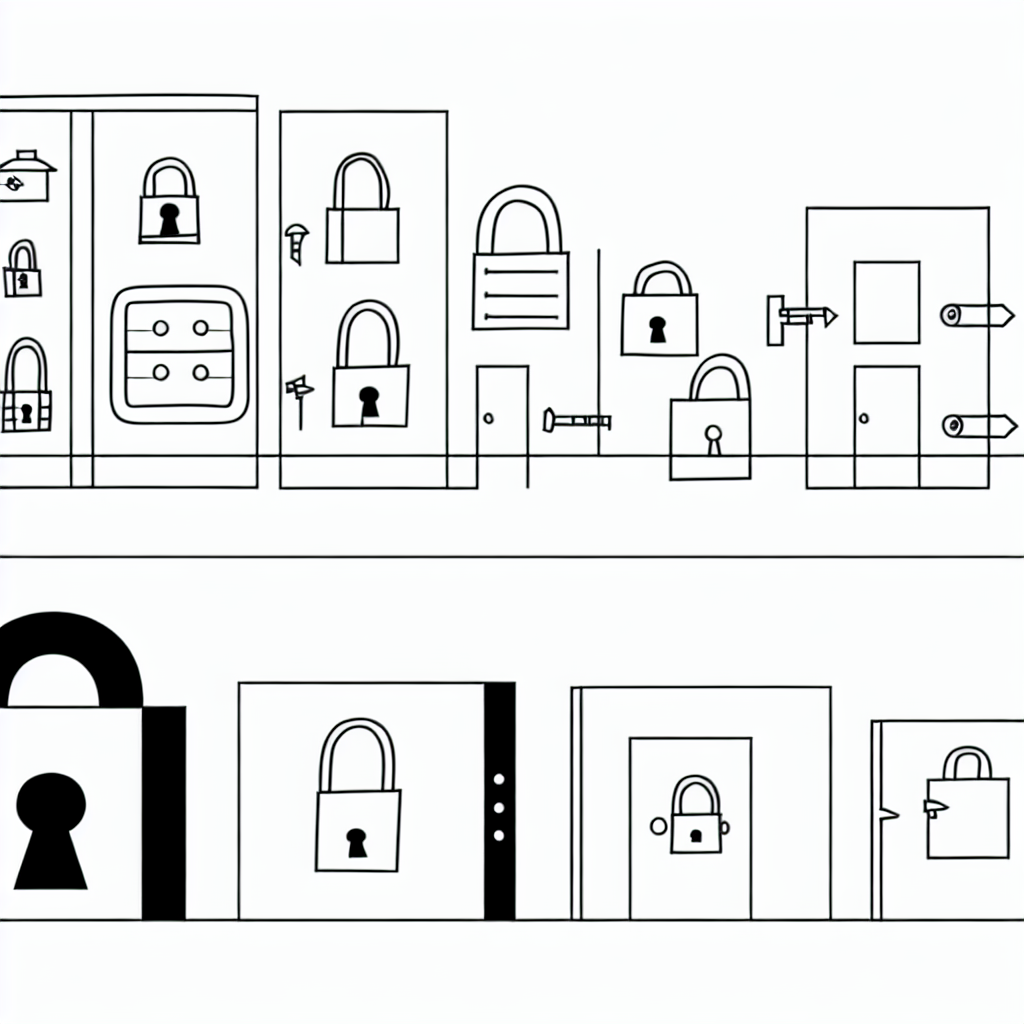
One of the most fundamental security features in spreadsheet software is password protection. By setting a password for a spreadsheet, users can restrict access to authorized individuals only, thus preventing unauthorized viewing or editing of sensitive data. This feature is especially crucial for spreadsheets that contain confidential information such as financial records, personal information, or proprietary business data. Evidence suggests that using complex passwords that combine letters, numbers, and symbols can significantly enhance security, making it more challenging for unauthorized users to gain access.
In addition to password protection, many spreadsheet applications offer advanced access control options. Users can specify different permission levels, allowing them to define who can view, edit, or comment on a spreadsheet. This granularity helps organizations manage collaborative efforts while ensuring that sensitive information remains protected. Research indicates that implementing role-based access control not only secures data but also enhances accountability, as it becomes easier to track changes made by different users.
Data Encryption
Another critical aspect of spreadsheet security is data encryption. Encryption transforms data into a format that is unreadable to unauthorized users, ensuring that even if a spreadsheet is accessed without permission, the information contained within it remains secure. Many spreadsheet software solutions offer built-in encryption features that automatically encrypt files upon saving. This functionality can be particularly beneficial when sharing spreadsheets through insecure channels, such as email or cloud storage.
Moreover, adopting end-to-end encryption further fortifies data security. With end-to-end encryption, data is encrypted on the sender’s device and decrypted only on the recipient’s device, minimizing the risk of interception during transit. Commonly, organizations that deal with sensitive information, such as healthcare providers or financial institutions, are increasingly turning to encryption as a standard practice, thus reinforcing their commitment to data protection.
Version Control and Audit Trails
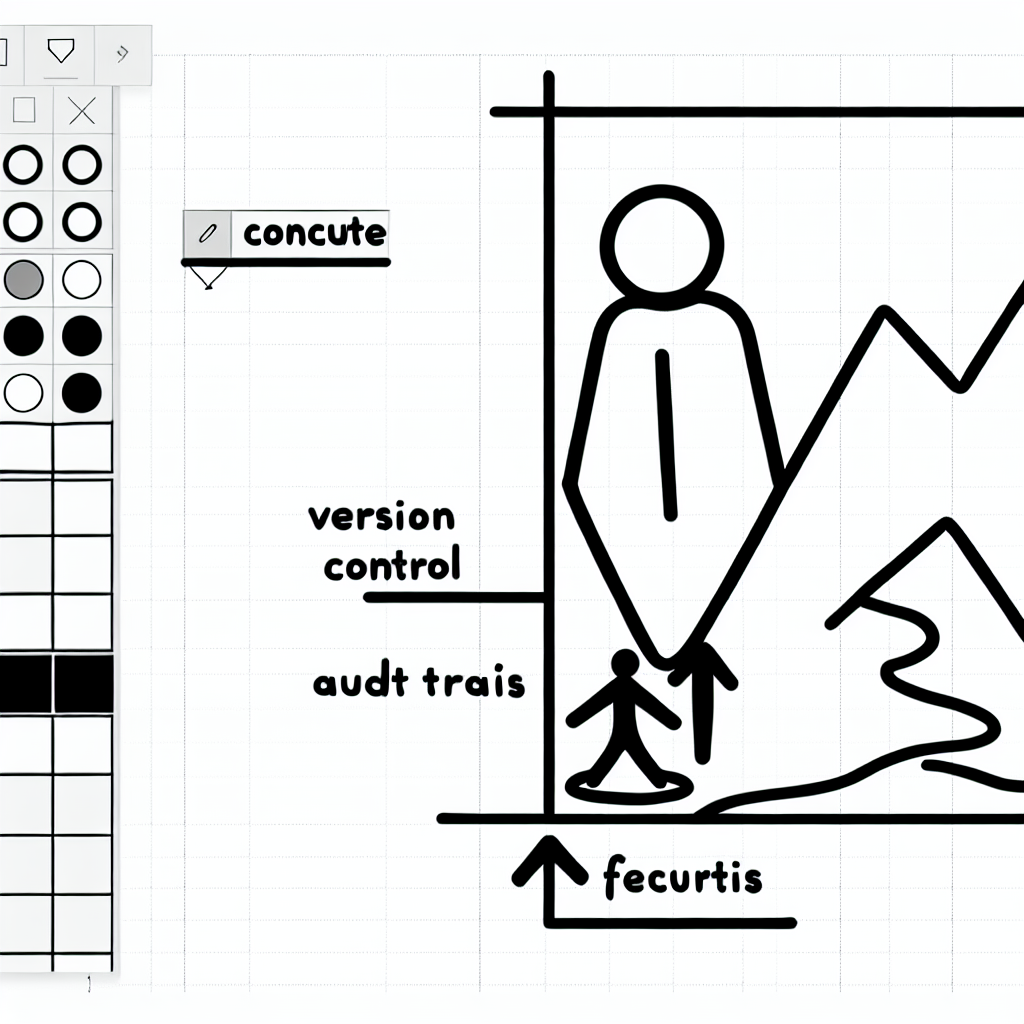
Maintaining the integrity of spreadsheet data is crucial, especially in collaborative environments. Version control and audit trails serve as valuable features that help users track changes and maintain a record of all modifications made to a spreadsheet. With version control, users can revert to previous iterations of a document, which is particularly useful in the event of accidental deletions or erroneous data entry.

Furthermore, audit trails provide a detailed log of who made changes, when they were made, and what the changes entailed. This transparency is essential for organizations that must comply with regulatory standards regarding data handling and reporting. Evidence suggests that having a robust audit trail can enhance trust among team members, as everyone can see the history of changes and contributions made by others.
Data Validation and Error Prevention
To further bolster security, spreadsheet applications often include features for data validation and error prevention. These tools help ensure that only accurate and appropriate data is entered into the spreadsheet, thereby reducing the risk of mistakes that could compromise data integrity. Validation rules can be set to allow only certain types of data or values in specific cells, which is particularly useful in financial models or databases.
Moreover, conditional formatting can be employed to highlight errors or anomalies in data, alerting users to potential issues before they escalate. Research indicates that employing these preventative measures can significantly reduce the likelihood of human error, which is often a leading cause of data breaches and inaccuracies in spreadsheets.
Regular Updates and Security Patches
Finally, staying updated with the latest security patches and software updates is a crucial practice in maintaining spreadsheet security. Software developers frequently release updates that address vulnerabilities and enhance existing security features. Regularly updating spreadsheet applications not only protects users from emerging threats but also ensures that they have access to the latest tools designed to safeguard their data.
Organizations can adopt policies that mandate regular software updates and conduct training sessions to educate users about the importance of maintaining security hygiene. This proactive approach can serve as a cornerstone for creating a culture of security awareness within teams, ultimately leading to more secure handling of sensitive information.